Picking the right LED screen size for an event comes down to three things working together. You match the screen to your furthest viewer, the room or field it sits in, and the content you plan to show. Get those right and nobody at the back squints while nobody at the front sees a blocky mess.
Most event screens land somewhere between a modest 3m by 2m panel for a conference stage and a 60 square metre wall for a stadium. There’s no single correct number. The size follows the crowd, the distance and the job the screen has to do.
Below we walk through how to work it out properly, from measuring viewing distance to matching pixel pitch, so you end up with a screen that reads clearly from every seat in the room.
How Do You Work Out the Right LED Screen Size for an Event?
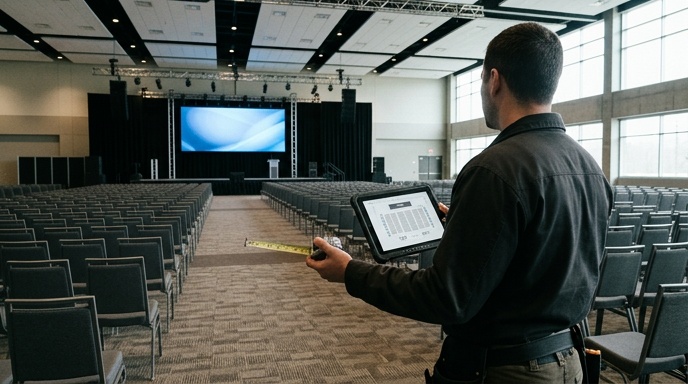
You size an event LED screen by starting with your furthest viewer and working backwards. The screen height needs to stay readable from the back row, the width needs to carry your content without crushing it, and the whole thing has to physically fit the space with clear sightlines. Audience size, viewing distance and content type drive the decision together.
Here’s the order that keeps you right:
- Measure the distance from the screen to your furthest viewer, not the front row.
- Count the crowd, so a 200-seat conference and a 5,000-strong festival aren’t sized the same way.
- Decide what the screen shows, because text and data need more height than a live camera feed.
- Check the physical space, including ceiling height, stage width and any pillars blocking sightlines.
- Match pixel pitch to how close people stand, which we cover further down.
Rush this and you either overspend on a wall the room can’t hold, or you hire something too small and the back half of the audience disengages. A quick site visit from expert installers usually settles it in minutes.
What Viewing Distance Means for Screen Height
Viewing distance sets your minimum screen height more than any other factor. A rough working rule is that your screen height should be at least one-tenth of the distance to your furthest viewer. If the back row sits 30 metres away, you want roughly 3 metres of screen height for comfortable viewing.
That ratio keeps faces, slides and scores legible without anyone straining. It scales naturally across event types.
Close Viewing Under 10 Metres
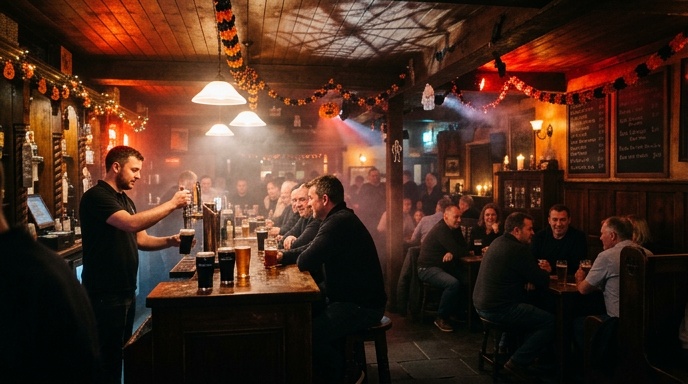
For close crowds under 10 metres, a screen height of around 1 to 1.5 metres usually works. Think a product launch, a small awards stage or a boardroom backdrop. The priority here is picture quality up close rather than sheer size.
Mid-Range 10 to 30 Metres
Between 10 and 30 metres, you’re into conference halls, hotel function rooms and mid-size gigs. Screen heights of 2 to 3 metres keep content sharp for a seated audience while giving presenters a strong visual anchor behind them.
Long Distance Over 30 Metres
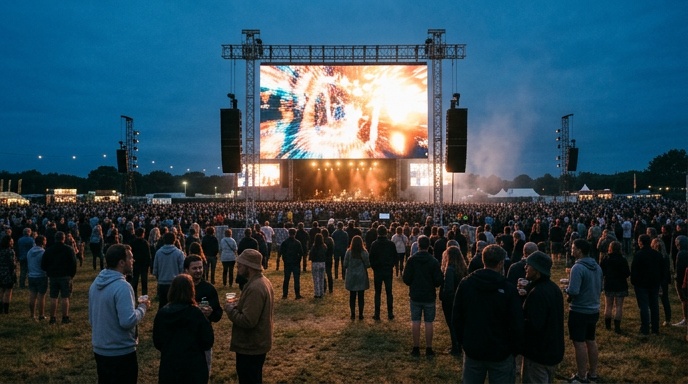
Over 30 metres, you’re sizing for festivals, arenas and stadium events. Screens run 4 metres tall and up, often much larger. For context, the 60 square metre screen delivered for the Liam Miller Testimonial at Páirc Uí Chaoimh had to read clearly across a full GAA pitch.
How Venue Space and Content Shape the Size
Your venue and your content both cap and shape the screen size once viewing distance has set the minimum. The room physically limits what you can rig, and the type of content decides the aspect ratio and resolution you actually need. Both pull the final figure one way or the other.
On the venue side, check these before you commit:
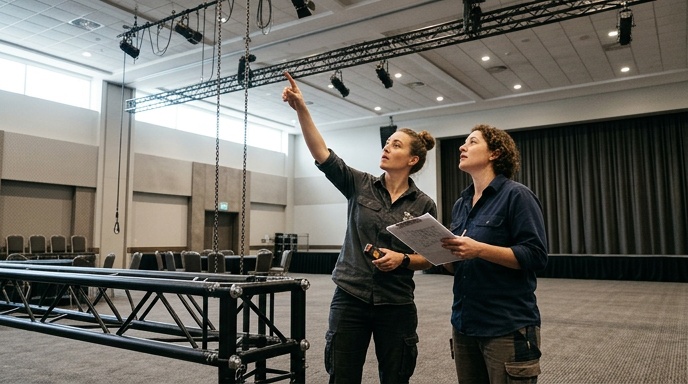
- Ceiling height, which caps total screen height and any ground support or flown rigging.
- Stage or wall width available, so the screen doesn’t crowd speakers or performers.
- Load-in access and weight limits, especially for upper floors or heritage venues.
- Sightlines, so pillars, balconies and bars don’t block a chunk of the audience.
On the content side, data-heavy slides and sponsor loops want more height and a tighter pitch, while a single live camera feed can run wider and more forgiving. A conference agenda, a festival stage visual and a retail promo reel all pull the shape in different directions, so plan the content before locking the dimensions.
Why Pixel Pitch Matters as Much as Size
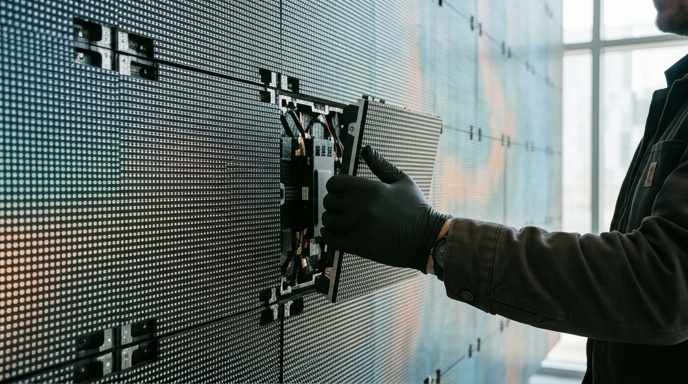
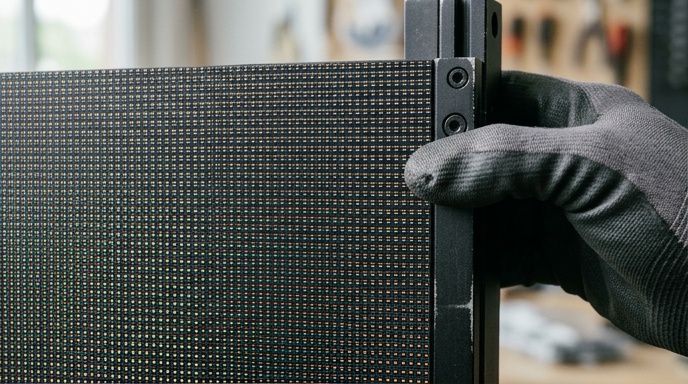
Pixel pitch decides how close people can stand before the image breaks into dots, so it matters just as much as physical size. Pitch is the gap in millimetres between LED pixels. The smaller the number, the finer the image and the closer the viewer can stand without seeing individual pixels.
A simple guide is that the minimum comfortable viewing distance in metres roughly matches the pixel pitch number. A 2.6mm pitch reads cleanly from about 2.6 metres, while a P5 outdoor panel suits crowds standing 5 metres back or more.
| Pixel Pitch | Best For | Rough Minimum Viewing Distance |
|---|---|---|
| 2.6mm | Indoor, close-viewing stages and conferences | From around 2.6 metres |
| 3mm to 4mm | Indoor mid-size events and function rooms | From around 3 to 4 metres |
| P5 (5mm) | Outdoor festivals, stadiums and activations | From around 5 metres |
Matching pitch to distance matters because a huge low-resolution wall looks great from the field but turns to mush from the front rows. Indoor walls can run as fine as 2.6mm for close viewing, while outdoor rental screens often use a P5 panel built for daylight and distance. Get the pitch wrong and no amount of size fixes it.
Should You Hire or Buy Your Event Screen?
For a one-off or occasional event, hiring the screen almost always makes more sense than buying. You get the right size for that specific event, delivered, installed and derigged, without owning kit that sits idle most of the year. Buying only pays off when a venue runs frequent events and wants a permanent fixture.
Hiring suits most event organisers because the size needs change every time. A graduation, an AGM and a summer festival all call for different screens, and a good LED screen hire service matches the panel to each job rather than forcing one fixed unit to cover all of them.
- Choose hire for conferences, festivals, launches, award nights and seasonal activations.
- Choose a permanent install for venues running regular ticketed events or ongoing signage.
- Look for dry hire if you have your own crew, or full install-and-derig if you don’t.
Either way, confirm what’s included before booking, since cabling, processing and technical support should come as standard rather than as surprise extras on the invoice.
Common Mistakes When Sizing an Event Screen
The most common sizing mistake is choosing a screen for the front row instead of the back row. Organisers see the image up close during setup, think it looks huge, and forget the people 40 metres away who can barely make out a slide. A few repeat errors crop up again and again.
- Sizing for the nearest viewer, leaving the back of the room squinting at tiny text.
- Ignoring ceiling height, then discovering the flown screen won’t physically fit on load-in day.
- Picking a cheap low-resolution panel for a close-viewing audience that sees every pixel.
- Packing slides with small text that was never going to read on a big wall.
- Forgetting daylight, so an indoor-spec screen washes out at an outdoor event.
Most of these come down to planning the screen in isolation rather than against the real room and crowd. Industry guidance from bodies like the National Standards Authority of Ireland covers electrical and rigging safety for temporary installs, which is worth checking for larger outdoor setups. A proper site visit catches almost all of it before anything gets booked.
Putting It All Together for Your Event
Start with your furthest viewer, size the height from there, then check the venue and content before matching pixel pitch to how close people stand. That sequence gives you a screen that reads clearly from every seat without overspending on scale you don’t need.
If you’re not sure where your numbers land, a quick chat and a free site visit will settle the right size fast. Get in touch for a quote and we’ll match the screen to your event, your venue and your audience.