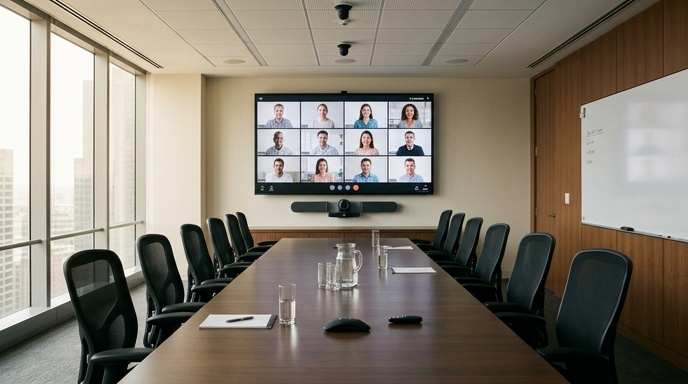
A proper conference room AV setup needs four things working together: a display people can read from any seat, audio that captures every voice, a camera that frames the room well, and a simple control system that anyone can operate. Get those right and meetings start on time. Get them wrong and you spend the first ten minutes fighting cables.
Most boardroom problems come down to mismatched kit thrown into a space it was never sized for. A screen too small for the room, a mic that only picks up the person nearest it, or a control setup so fiddly nobody wants to touch it.
This guide walks through each part of a boardroom AV system in plain terms, so you know what to specify, how to size it, and where the common mistakes hide.
What Does a Conference Room AV Setup Include?
A complete conference room AV setup includes a display or screen, an audio system for voice pickup and playback, a camera for video calls, a control interface, and the cabling and processing that ties them together. Each part has to suit the room’s size, layout and how the space is actually used day to day.
The core building blocks are:
- Display, a large screen or LED wall sized to the room’s viewing distance.
- Audio, ceiling or table microphones plus speakers for clear two-way sound.
- Camera, a fixed or auto-tracking unit that frames the table.
- Control, a touch panel or wall keypad that starts a meeting in one tap.
- Connectivity, HDMI, USB-C and wireless sharing so any device can present.
The trick is matching each element to the room rather than buying a generic bundle. A ten-seat boardroom and a small huddle space need very different specifications, even if they run the same video platform.
How to Size a Boardroom Display for the Room
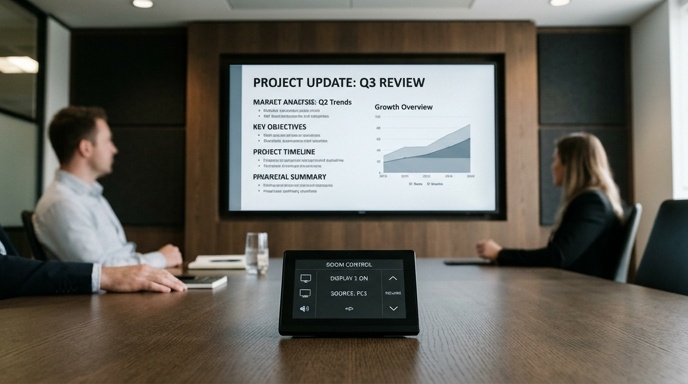
Size a boardroom display so the furthest viewer can read text comfortably, using the rule that screen height should be roughly one-sixth of the distance from the display to the back seat. In a room where the furthest chair sits six metres away, that points to a screen around one metre tall, which lands you near a large 85-inch panel or a small LED wall.
The main choice is between a flat-panel display and an LED video wall.
- Flat-panel screens suit most standard boardrooms up to around 85 or 98 inches and are quick to install.
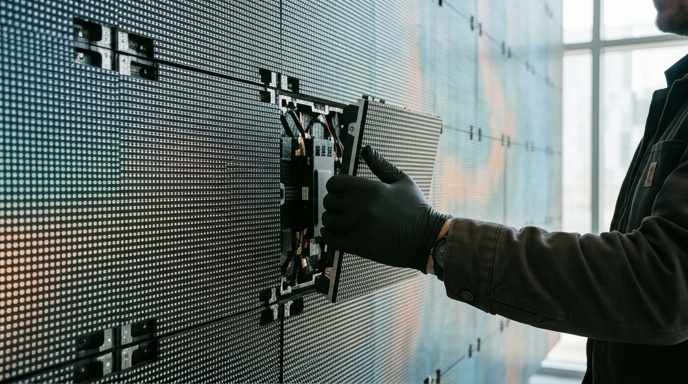
- LED video walls come in when the room is large, the wall is wide, or you want a seamless surface bigger than any single panel.
- Pixel pitch matters for LED. A finer pitch, such as 2.6mm, keeps text sharp at close viewing distances typical of a boardroom.
For rooms that double as presentation or client-facing spaces, an LED wall gives a cleaner look with no bezels breaking up the image. If you are weighing a wall for a bigger space, our guide to permanent LED video wall installation covers pitch and sizing in more depth.
Single Screen or Dual Screen?
A dual-screen setup makes sense when you regularly need remote participants on one screen and shared content on the other. For most meeting rooms a single well-sized display handles both by splitting the image. Only add a second screen if people genuinely lose track of who is speaking during calls.
What Audio Setup Works Best in a Boardroom?
The best boardroom audio setup captures every voice at the table clearly and plays remote participants back without echo or dead spots. Poor audio kills more video calls than poor video does, because people will tolerate a fuzzy picture but not a voice that keeps cutting out.
Microphone choice depends on how the room is used:
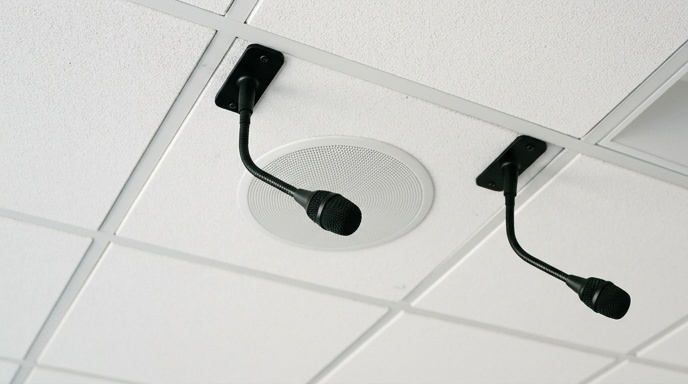
- Ceiling microphones keep the table clear and cover the whole room, ideal for larger boardrooms.
- Table microphones sit in front of participants and give strong, close pickup for smaller rooms.
- Boundary or beamforming mics focus on active speakers and cut background noise.
Pair the microphones with acoustic echo cancellation so remote callers do not hear themselves bounce back. Speaker placement matters too. Ceiling speakers spread sound evenly, while a soundbar under the display suits smaller spaces. In rooms with a lot of glass and hard surfaces, some acoustic treatment stops voices turning muddy, a point professional installers check during a site visit before anything is specified.
How to Choose a Camera for Video Conferencing
Choose a conferencing camera by matching its field of view and tracking ability to the room size and seating layout. A small huddle room needs a wide-angle fixed camera, while a long boardroom benefits from an auto-tracking camera that follows whoever is speaking so remote attendees always see the active talker.
Key things to check when specifying a camera:
- Field of view, wide enough to catch everyone at the table without heads at the edges being cut off.
- Resolution, 1080p as a minimum, 4K where content detail or larger rooms demand it.
- Speaker tracking, useful in rooms longer than about four metres.
- Mounting position, ideally at or just below the display so eye lines look natural on screen.
For rooms up to around three metres, an all-in-one video bar that combines camera, mic and speaker keeps things simple and reduces the cable count. Bigger rooms usually justify separate components so each part can be sized properly.
What Control System Makes a Boardroom Easy to Use?
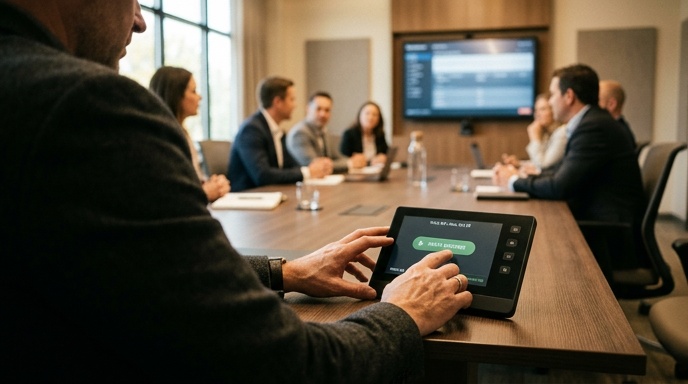
The right control system lets anyone start a meeting, share their screen and adjust volume without training. A touch panel on the table or a wall-mounted keypad should power the room on, select a source and join a call in a tap or two. If staff need instructions taped to the wall, the system is too complicated.
Good control setups tend to share a few traits:
- One-tap room start that powers the display, camera and audio together.
- Automatic source switching when a laptop is plugged in or shared wirelessly.
- Wireless presentation so guests can share without cables or app installs.
- Clear volume and mute controls placed where people expect them.
Wireless screen sharing deserves particular attention, because visitors rarely carry the right adapter. A system that lets a guest present from their own laptop in seconds saves the awkward scramble at the start of every external meeting. The Health and Safety Authority also offers guidance on display screen equipment worth reviewing for staff who work in these rooms daily.
Common Boardroom AV Mistakes to Avoid
The most common boardroom AV mistake is choosing equipment before understanding the room, which leads to undersized screens, weak audio and overly complex controls. Fixing these after installation costs far more than getting the specification right at the design stage.
Watch out for these recurring problems:
| Mistake | Why It Hurts |
|---|---|
| Screen too small for the room | Back-row viewers cannot read shared documents |
| Single microphone in a large room | Voices further from the mic drop out on calls |
| Camera mounted too high or off-centre | Awkward eye lines and cut-off faces on video |
| No wireless sharing | Guests waste meeting time hunting for adapters |
| Overly complex control interface | Staff avoid the room or call for help each time |
A short discovery visit before design catches most of these. Measuring viewing distances, checking the room’s acoustics and understanding how people actually meet tells you far more than a product brochure ever will. That upfront work is why a properly designed room keeps working smoothly years after handover.
Buy or Hire Boardroom AV Equipment?
Buy boardroom AV when the room is permanent and used regularly, and hire when you need kit for a one-off event, an AGM or a temporary space. A dedicated boardroom in daily use justifies a permanent installation, while an occasional large meeting or off-site conference is better served by short-term hire.
A permanent fitout gives you a system designed around the room, integrated cabling and long-term support. Temporary needs, such as a large screen for an annual conference, suit event-ready rental instead. If you run occasional bigger sessions, our LED screen hire for events covers modular screens with the processing and support included.
For fixed rooms across offices, receptions and conference suites, a turnkey approach means everything is designed, installed and tested before handover, ready from day one.
Getting Your Boardroom AV Right
A boardroom that works is one where the display suits the room, the audio catches every voice, the camera frames people well, and anyone can start a meeting without a manual. Size each part to the space, keep the controls simple, and sort the mistakes at the design stage rather than after install.
If you want a room specified properly from the start, book a free site visit and consultation through our enquiry and quote form and get a setup designed around how your team actually meets.