To live stream an event professionally in Ireland, you need a reliable camera setup, a dedicated encoder, a solid internet connection with a backup line, clean audio from the venue, and a chosen streaming platform tested in advance. Get those five right and the rest is detail.
A professional live stream is not a phone propped on a tripod. It’s a planned production where picture, sound and connection all hold up for the full runtime, whether that’s a corporate AGM in Dublin or a GAA final down the country.
This guide walks through the gear, the setup and the common pitfalls, so you can broadcast with the same reliability a seasoned AV crew would deliver.
What Equipment Do You Need to Live Stream an Event Professionally?
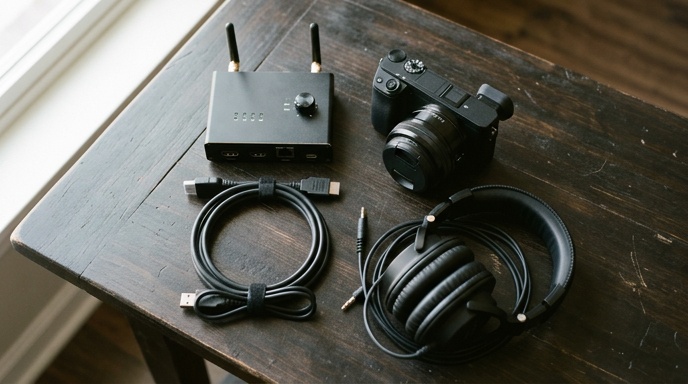
A professional live stream needs five core pieces of kit working together. Each one covers a job the others can’t, and skipping any of them is where most amateur streams fall apart on the day.
- Cameras, ideally two or more so you can cut between a wide shot and a close-up.
- A hardware or software encoder that turns your camera feed into a stream-ready signal.
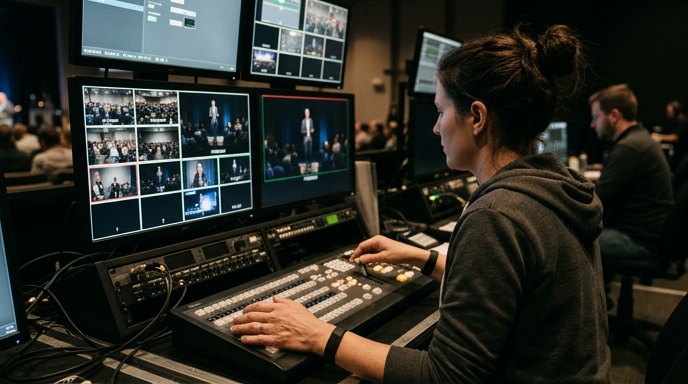
- A video switcher or mixer if you’re running multiple cameras or adding graphics.
- Audio capture taken from the venue sound desk, not the camera mic.
- A stable internet connection with enough upload speed and a backup route.
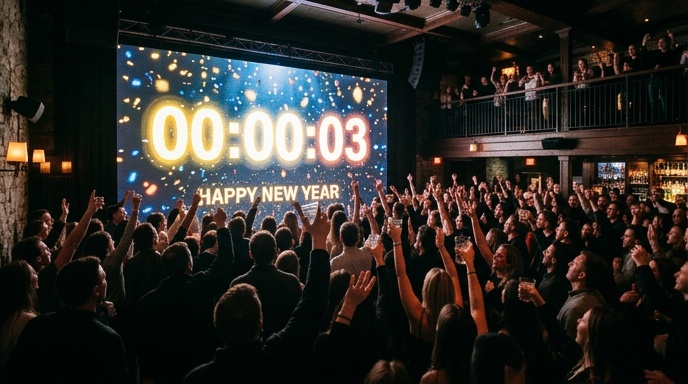
For larger events, a big on-site screen lets the live audience see the same feed as viewers at home. Modular LED walls handle this well, and the same feed can push to both the room and the stream at once.
How Much Internet Speed Do You Need to Live Stream?
You need a stable upload speed of at least 5 Mbps for a clean 1080p stream, and ideally double that for headroom. Upload is what matters here, not download, and most Irish broadband is weighted the wrong way for streaming.
The number alone isn’t enough. A connection that dips for ten seconds mid-speech will freeze or buffer your viewers, so stability beats raw speed every time.
How Do You Build in a Backup Connection?
Run a second, independent internet source and have your encoder fail over to it automatically. A wired venue line as your primary, with a bonded 4G or 5G unit as backup, is the standard professional setup.
- Never rely on venue Wi-Fi alone. Shared Wi-Fi drops the moment the room fills with phones.
- Test the backup line from the actual streaming position, not the lobby.
- Check upload speed at the busiest time of day, not at setup the morning before.
What Platform Should You Stream To?
Pick your platform based on where your audience already is. YouTube and Facebook Live suit public events, while a private platform like Vimeo or a dedicated webcast service suits corporate AGMs and ticketed streams.
Whichever you choose, do a full private test stream days ahead. The Irish broadcasting regulator, Coimisiún na Meán guidance for media services, is worth a read if your event involves commercial content or sponsorship.
How Do You Get Professional Audio for a Live Stream?
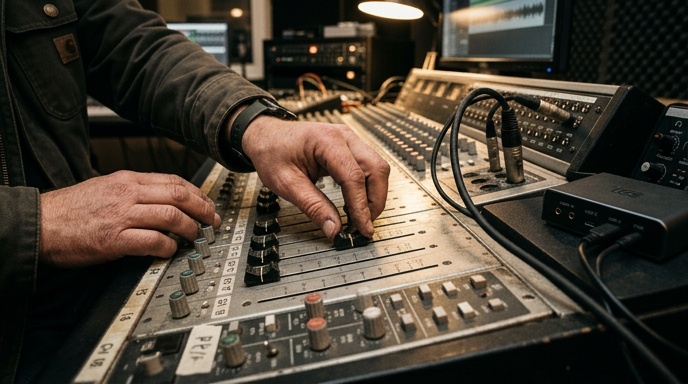
Take your audio feed directly from the venue’s sound desk or mixer, not from a camera microphone. Camera mics pick up room echo, crowd noise and air handling, which sounds fine in the room but wrecks a stream. Clean audio is the single biggest marker of a professional broadcast.
Viewers forgive a slightly soft picture. They switch off within seconds of muffled or distorted sound.
- Run a line out from the desk into your encoder or switcher.
- Monitor the stream audio on headphones throughout, separate from the room PA.
- Watch your levels so speech sits well below clipping with room to spare.
- Mute or duck background music where it fights with a speaker.
For speech-heavy events like conferences and award ceremonies, a sound system matched to the room makes the capture cleaner from the start, which is why venue audio and streaming are best planned together.
How Do You Set Up Cameras for a Multi-Camera Stream?
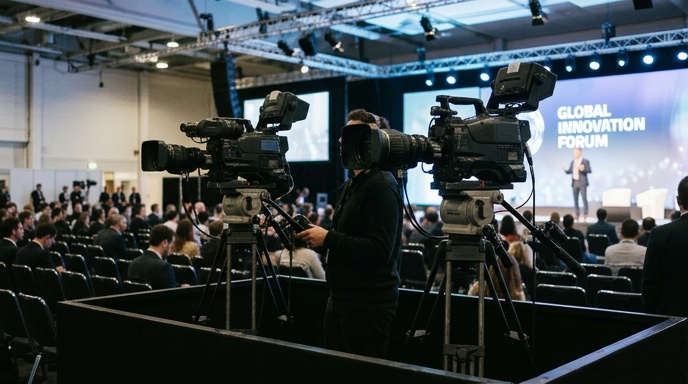
Position one locked-off wide camera covering the full stage, then add close-up cameras for speakers or key moments, and feed them all into a switcher so you can cut live. Two cameras lift a stream from static to broadcast-feeling, and three gives you real flexibility.
The steps for a solid multi-camera setup are straightforward.
- Place the wide camera centre, far enough back to frame the whole scene.
- Set close-up cameras on either side or at the podium for faces.
- Match white balance and exposure across all cameras so cuts don’t jump.
- Run every feed into the switcher and confirm each input before doors open.
- Add lower-third graphics for names and titles if the platform allows.
Lighting matters as much as the cameras. Even, flat light on faces reads far better on a stream than dramatic stage lighting, which often leaves speakers in shadow on camera.
What Are the Most Common Live Stream Mistakes to Avoid?
The most common mistakes are relying on a single internet connection, using camera-mic audio, and never running a full rehearsal stream before the event. Each one is avoidable with planning, and each one has sunk otherwise well-run broadcasts.
- No backup internet. One line, one point of failure.
- Poor audio source. Camera mics instead of a desk feed.
- No test stream. First time live should never be the real event.
- Underpowered laptop. Encoding is heavy work and cheap machines overheat and drop frames.
- No one monitoring the stream. Someone must watch the actual output, not just the cameras.
For high-stakes events, the safest approach is a crew who handle streaming, screens and audio as one package. A team offering full event production and live streaming can own the whole technical chain, so there’s no gap between the sound desk, the cameras and the broadcast.
Should You Hire a Professional or Stream It Yourself?
Stream it yourself only for low-stakes internal events where a glitch costs nothing. For anything public, ticketed, sponsored or client-facing, hire a professional crew, because the cost of a failed stream at a once-off event far outweighs the hire fee.
The judgement call usually comes down to risk and complexity.
| Factor | DIY Stream | Professional Crew |
|---|---|---|
| Event type | Internal meetings, casual updates | Conferences, galas, concerts, finals |
| Cameras | One, fixed | Multi-camera with live switching |
| Audio | Camera or basic mic | Direct desk feed, monitored |
| Backup internet | Rarely | Standard, with auto failover |
| Risk if it fails | Low | High, reputation on the line |
A professional crew also brings the on-site screens, staging and technical support that turn a stream into a full production. For award ceremonies and concerts especially, that integration is the difference between a clip and a broadcast viewers stay on.
Planning Your Professional Live Stream
Professional live streaming comes down to preparation. Lock in your cameras, take audio from the desk, secure two internet routes, test the full chain in advance, and have someone watching the output live. Get those habits right and your stream will hold up for the full runtime.
If you’re running a conference, gala or match that can’t afford a dropout, talk to our team about planning your event stream and we’ll map the whole technical setup with you.